Termine: Crafting Visual Narratives with a Cohesive Slide Template
Imagine you have a brilliant idea for a presentation, a pitch deck for a new client, or a workshop for your community. You open a blank slide deck, and the cursor blinks mockingly. The hours tick by as you wrestle with alignment, color palettes, and finding a cohesive visual language. This is the friction that kills momentum and dilutes your message. What if you could bypass that entire struggle and start with a foundation designed for impact? That's the core promise of a resource like the Termine Google Slide Template. It’s not just a collection of slides; it’s a pre-built visual system, a toolkit for anyone who needs to communicate ideas with clarity and style, from entrepreneurs and marketers to educators and creative professionals.
A Visual System, Not Just a Slide Deck
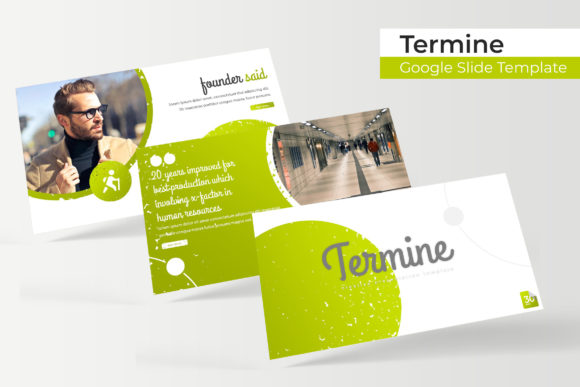
The true value of a premium template like Termine lies in its architecture. It arrives as a comprehensive package, offering 150+ total slides built on a principle of organized flexibility. With 5 premade colors, each containing 30 meticulously designed slides, you’re given a complete, harmonious visual identity to start with. This structure solves one of the biggest challenges in presentation design: maintaining visual consistency. Whether you choose a bold, energetic palette or a muted, professional one, every slide—from the title to the thank you—shares the same design DNA. This ensures your presentation feels unified and intentional, which is crucial for building brand recognition and keeping your audience focused on your content, not distracted by design inconsistencies.
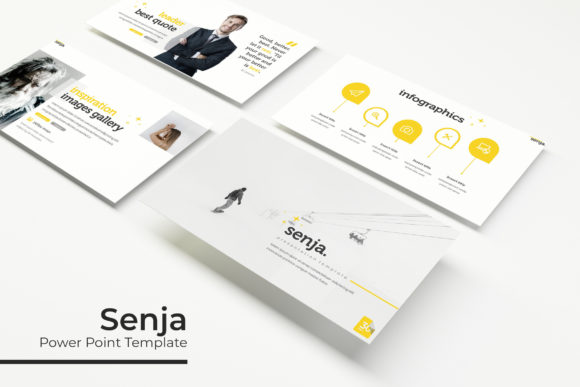
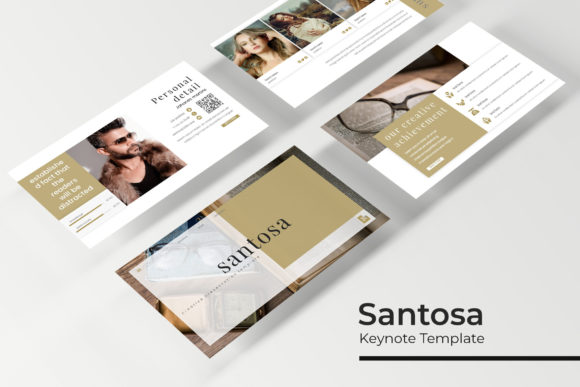
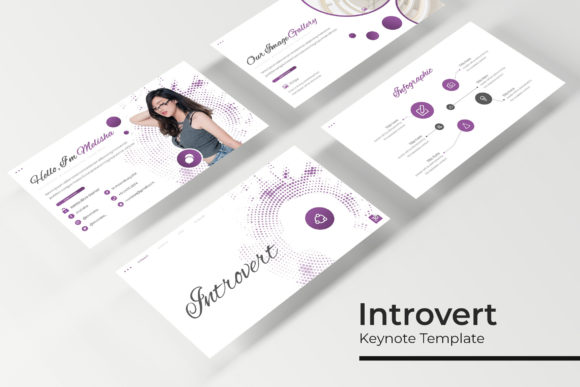
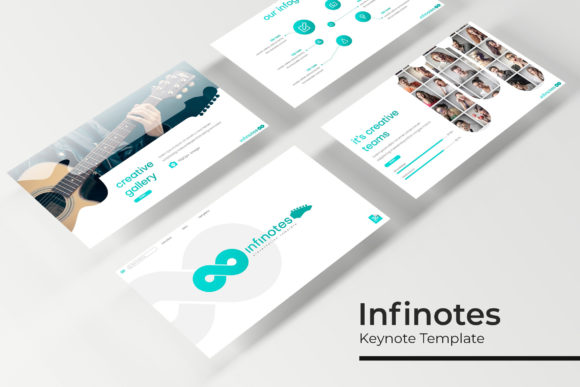
Beyond color, the template’s design elements are where it truly shines. The inclusion of handcrafted infographics transforms complex data into digestible, engaging visuals. Instead of pasting a boring chart, you can present sales figures, timelines, or process flows in a way that tells a story. The gallery and portfolio slides are a godsend for designers, photographers, and agencies, providing elegant frames to showcase work without starting from scratch. Every element is built on master slides, meaning a single change can ripple through your entire presentation. The resizable and editable graphics and picture placeholders allow for true customization; simply drag and drop your own images, and the layout adapts. This pixel-perfect approach means you’re not fighting the template—you’re collaborating with it to create a professional presentation that looks custom-made.
Practical Applications for Real-World Projects
Thinking of this as just a "Google Slides template" misses the broader utility. This is a versatile design asset that can streamline workflows across multiple domains. For a small business owner, it becomes the backbone for internal strategy meetings, investor pitches, and client onboarding decks. A marketer can rapidly produce campaign recap presentations, social media strategy guides, or webinar decks that are on-brand. Content creators and bloggers can use the section break slides and layouts to design visually stunning media kits or downloadable lead magnets.
The principles extend beyond slides. The cohesive color palettes and graphic styles can inspire your wider brand identity. The layout logic applied to a slide can inform the hierarchy of a web design mockup or a social media graphics series. The clean, modern typography sets a tone that can be mirrored in your packaging design or editorial layouts. It’s a masterclass in visual consistency, teaching you how elements relate to one another in a closed system. By starting with a strong, pre-designed framework, you train your eye to see how color, space, and typography work together—a skill that improves every creative project you undertake, from logo design to creating marketing assets.
Maximizing the Toolkit: Tips for Seamless Integration
To get the most out of a resource like Termine, approach it with a strategist's mindset. First, don’t just pick a color scheme at random. Examine all five premade color variations. Which one aligns with your existing brand colors? Which evokes the right emotion for your topic? A financial consultant might choose a navy and slate palette for trust, while a wellness brand might select a soft, natural green. This initial choice sets the entire tone.
Next, understand the included font used. The readme file typically specifies the typeface, often a clean sans serif font or a modern serif font that ensures readability. Download it (a free link is usually provided) and install it on your system before you begin editing. This prevents formatting issues and ensures your presentation looks exactly as intended. If you need to pair fonts for longer documents or other projects, use the template’s primary font as a starting point. A bold sans serif for headings and a readable serif for body text is a classic, effective combination that enhances audience engagement.
Finally, treat the template as a living library. The section break slides are perfect for dividing topics. The portfolio slides can be repurposed for team bios or product features. The infographic elements can be copied and pasted into other documents for a cohesive look across all your digital products. Remember, the provided images are for preview only. Your own high-quality photographs and graphics will breathe life into the structure, making it uniquely yours. Always check the licensing of the template and any fonts for commercial use, especially if you're creating client work or merchandise.
In the end, a tool like the Termine template is about removing barriers. It handles the heavy lifting of design system creation, freeing you to focus on what you do best: crafting your message, telling your story, and connecting with your audience. It’s a bridge between a rough idea and a polished, professional outcome, empowering you to communicate with confidence and visual flair.