Puffer Power Point Template: A Complete Design Kit
Designing a presentation that holds attention is a challenge. You want slides that feel professional, cohesive, and visually interesting without spending hours formatting every single text box and image frame. That is where a well-structured template changes the game. The Puffer Power Point Template offers a specific solution for creators who value both aesthetic impact and practical efficiency, providing a robust toolkit for various presentation needs.
Visual Appeal and Core Features
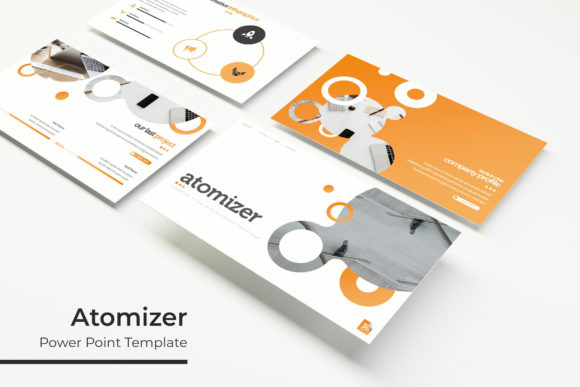
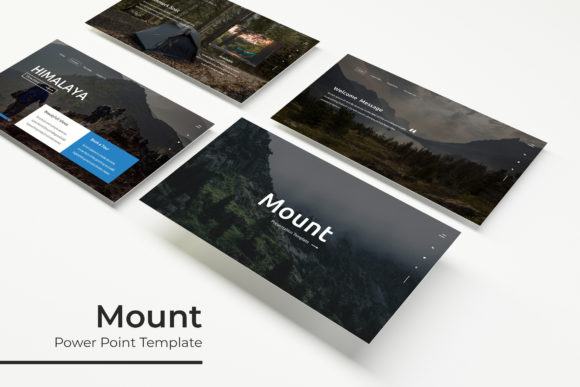
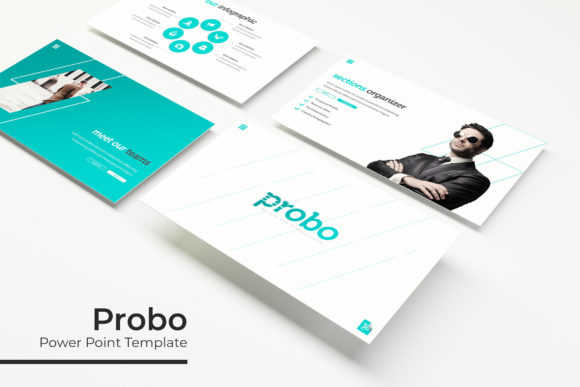
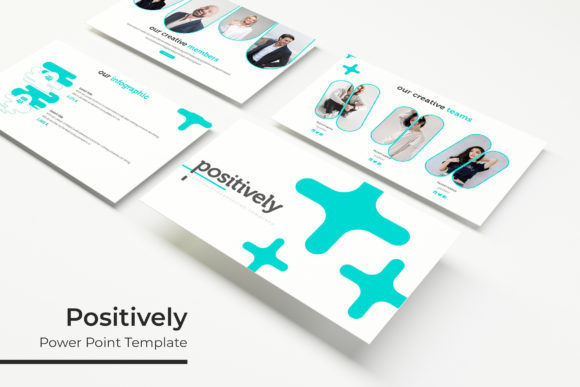
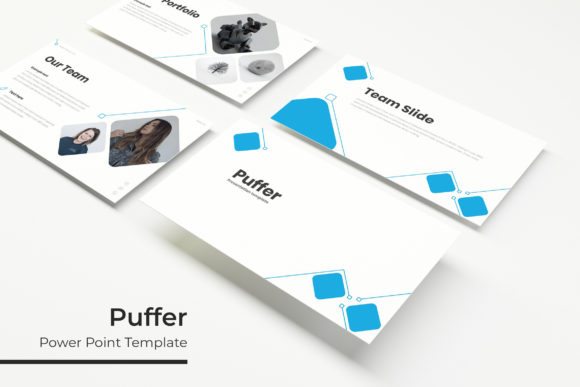
At first glance, this template kit stands out because of its modern, clean aesthetic. It avoids clutter, focusing instead on clear hierarchy and balanced layouts. The design uses generous whitespace effectively, allowing your content to breathe and making information digestible for your audience. The visual style is contemporary, making it suitable for corporate environments, creative pitches, or educational contexts.
The foundation of the kit is its versatility. It includes 150+ total slides, which is a significant library for any project. These are not just copies of the same layout with minor color changes. Instead, they are organized into 5 premade color variations, each containing 30 unique slides. This structure means you can choose a color scheme that aligns with your brand identity from the start, ensuring immediate visual consistency across your entire deck.
Beyond color, the template focuses on practical utility. Every graphic element is resizable and editable. You can adjust shapes, charts, and icons without losing quality. The picture placeholders are designed for drag-and-drop functionality, simplifying the process of inserting your own images. Built on master slides, the template ensures that global changes to fonts, colors, or logo placement propagate throughout the entire presentation, saving you from manual, slide-by-slide adjustments.
Practical Applications for Professionals and Creatives
A presentation template is more than a set of pretty slides; it is a communication tool. Its real value lies in how it can be applied to achieve specific goals across different fields. The Puffer Power Point Template is built to serve a wide range of professional scenarios.
For small business owners and entrepreneurs, it is ideal for investor pitches, company overviews, and team meetings. The structured layouts help tell a compelling story about your business model, market opportunity, and financial projections. The consistent design reinforces your brand's professionalism, which can build trust with potential investors or partners.
Marketers and content creators can leverage the template for campaign reports, social media strategy decks, or webinar presentations. The inclusion of handcrafted infographics is particularly useful here. Instead of struggling to build charts from scratch, you can use pre-designed data visualization slides to present metrics, timelines, or process flows clearly. This makes complex data accessible and engaging for clients or stakeholders.
Designers and agencies will appreciate the template as a foundational asset for client work. It provides a polished starting point that can be customized to match a client's specific brand guidelines. The gallery and portfolio slides are directly useful for showcasing design work, photography, or case studies in a visually compelling format. This turns a standard presentation into a dynamic portfolio review.
Even for educators, bloggers, or hobbyists, the template offers value. It can be used to create engaging workshop materials, online course content, or community event presentations. The section break slides help organize long-form content into manageable segments, improving the learning experience or audience flow.
Streamlining Your Workflow and Enhancing Brand Identity
One of the most significant advantages of using a comprehensive template kit like this is the impact on your workflow. Starting a presentation from a blank slide is inefficient and often leads to inconsistent design choices. A well-designed template provides guardrails that keep your project on track.
The pixel-perfect illustrations and pre-set layouts mean you spend less time on alignment, sizing, and spacing. This frees up mental energy to focus on what truly matters: your message, your narrative, and your key takeaways. The drag-and-drop image placeholders further accelerate the process, allowing you to visualize the final product quickly.
From a branding perspective, consistency is non-negotiable. Using the same template, with its unified color scheme and typography, across all your presentations reinforces brand recognition. Whether you are presenting to a new client, training your team, or speaking at an industry event, a cohesive visual identity makes you look organized and credible. The 5 premade color options make it easy to align with existing brand palettes or to create distinct themes for different departments or product lines within your organization.
The template's structure also encourages better content organization. With dedicated slides for titles, team bios, data, quotes, and conclusions, you are prompted to think about the logical flow of your information. This leads to presentations that are not only better looking but also more effective in communicating their intended message.
Getting Started and Making It Your Own
Upon downloading the Puffer Power Point Template, you receive a complete package designed for immediate use. The 5 PPTX files (standard and widescreen formats) are ready to open in PowerPoint. A Readme First document is included, which is a crucial first step. It typically outlines the file structure, offers tips for customization, and provides information on the fonts used.
Typography is a key component of the design. The template utilizes free fonts, and download links are included. This is an important practical detail, as it ensures you can install the exact fonts used in the preview to maintain the design's integrity. When you open the file, check the font used for headings and body text. Consider if it aligns with your brand's voice. If you need to change it, select a font with similar characteristics (e.g., another clean sans-serif for modern brands or a complementary serif for more traditional ones).
Customization is straightforward. Because the design is based on master slides, you can edit the master to change a color, adjust a font, or add a logo, and see those changes reflected across all slides. This is the most efficient way to apply your brand identity. For individual slide adjustments, you can directly edit text, resize graphic elements, and swap placeholder images with your own content.
Remember, the photographs and specific pictures shown in the preview are for illustration only and are not included. You will need to use your own high-quality images. The placeholder design makes this process simple, but the quality of your final presentation will depend significantly on the images you choose. Use professional, relevant photos that support your message.
Before finalizing, review the entire deck for consistency. Check that all text is proofread, images are properly aligned, and animations or transitions (if used) enhance rather than distract from your content. A final run-through in presentation mode will help you catch any formatting issues and ensure a smooth delivery.