Humming PowerPoint Template: Your All-in-One Presentation Toolkit
You’ve got a brilliant idea, a game-changing proposal, or a quarterly report that needs to impress. The content is solid, but the thought of starting a presentation from scratch? That’s where the momentum often stalls. We’ve all been there, staring at a blank slide, trying to wrestle with alignment, color schemes, and graphics that just don’t look professional. The Humming Power Point Template isn’t just another slide deck; it’s a comprehensive design system built to eliminate that friction and let your ideas take center stage with clarity and style.
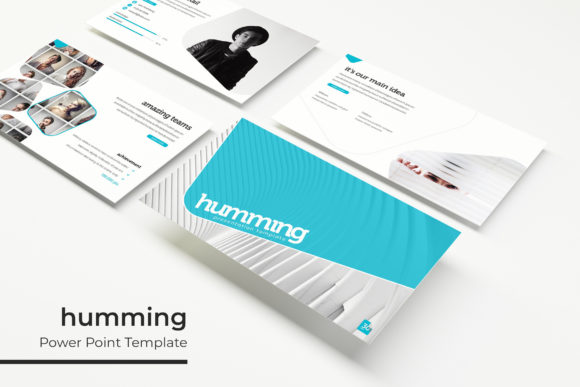
What sets this template apart is its sheer scope and thoughtful construction. We’re talking about a library of over 150 meticulously crafted slides. This isn’t a collection of near-identical layouts with minor tweaks. Each slide is designed with a specific purpose in mind, from data-heavy financials to image-centric portfolio showcases. The structure is intuitive, allowing you to build a narrative flow that guides your audience logically from problem to solution, from concept to execution. For the small business owner preparing a pitch or the marketing team outlining a campaign, this means less time wrestling with formatting and more time refining your message.
A Spectrum of Style: Five Premade Color Palettes
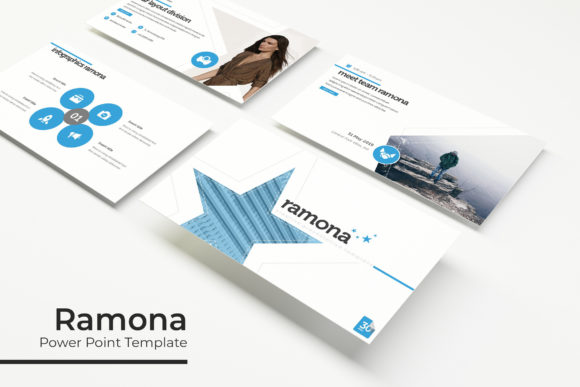
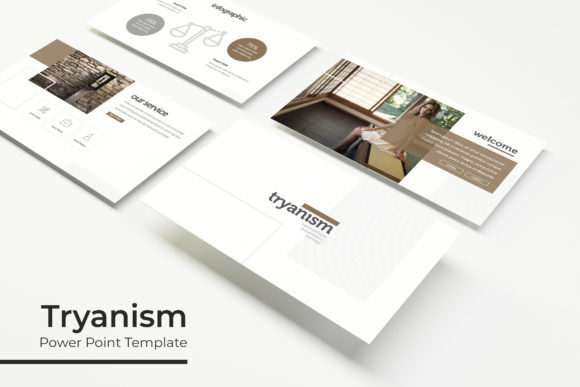
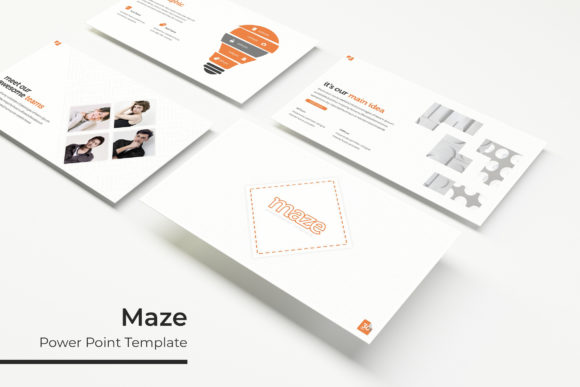
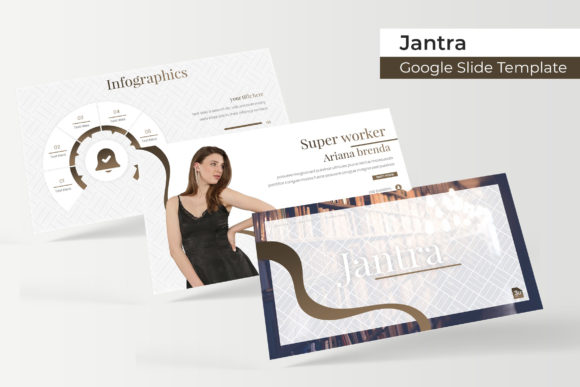
Visual consistency is the bedrock of professional communication, and the Humming template makes achieving it effortless. It arrives with five distinct, premade color palettes. Each palette is a complete visual identity, offering 30 unique slides tailored to that specific color scheme. This is a game-changer for brand alignment. If your company’s brand colors are a deep navy and teal, you can select the closest matching palette and instantly apply a cohesive, professional aesthetic to every single slide. No more guessing at hex codes or worrying if your accent color clashes. It’s a ready-made brand toolkit within PowerPoint.
This feature is particularly invaluable for branding and marketing assets. Imagine you’re a freelance designer presenting brand guidelines to a client. You can showcase mockups of their new logo design, packaging design, and social media graphics directly on slides that already reflect their new color story. The visual harmony reinforces the professionalism of your work and makes the brand identity tangible. Similarly, for editorial design or a blog launch, you can use the palette to maintain a consistent look across all presentation materials, ensuring every touchpoint feels unified and intentional.
Beyond Bullet Points: Handcrafted Infographics and Visual Tools
Let’s move past the text-heavy slides of the past. The modern audience, whether they’re investors, clients, or internal teams, responds to visual storytelling. The Humming template is packed with handcrafted infographics that transform complex data into clear, engaging visuals. These aren’t generic clip-art charts. They are sophisticated, editable graphics designed to illustrate processes, timelines, comparisons, and statistics with elegance and impact.
Consider the practical applications. A project manager can use a multi-step infographic to break down a product launch timeline. A content creator can visualize audience growth metrics or content pillar strategies. For digital products, like an online course, you can map out the curriculum flow visually. The template also includes dedicated section break slides, which are perfect for punctuating different parts of your presentation and giving your audience a mental reset. The gallery and portfolio slides are a standout, offering clean, grid-based layouts to showcase work, whether it’s photography, merchandise, or web design screenshots. The picture placeholders are drag-and-drop ready, meaning you can populate your portfolio in minutes, not hours.
Designed for Real Work: Editability and Flexibility
A beautiful template is useless if it’s rigid. The Humming PowerPoint Template is built on a foundation of flexibility. Every graphic, from icons to complex charts, is resizable and editable. You can change colors, adjust shapes, and modify text to fit your exact needs without breaking the design. The entire system is based on Master Slides, which is the professional standard for PowerPoint design. This means you can make a global change—like updating a font or adjusting a footer—and have it apply across all 150+ slides instantly. It ensures pixel-perfect consistency and saves an enormous amount of time during the revision process.
This adaptability makes it a powerful tool for a wide range of creative projects. You could adapt the slides for a wedding invitation suite, a non-profit fundraiser presentation, or a product catalog. The clean, modern typography provides a strong foundation for readability, whether you’re presenting on a large screen or sharing the deck as a PDF. The included readme file and links to free fonts ensure you can replicate the preview look without hunting for resources.
Practical Considerations for Your Project
Before diving in, a few practical notes will help you get the most out of this resource. First, while the template is a superb design asset for commercial use—think client presentations, marketing proposals, and internal company reports—always double-check the specific licensing terms included in the package for any extended use. Second, the preview images are for illustration; you’ll supply your own photographs and logos, which is ideal for maintaining your unique brand identity.
When selecting a color palette from the five options, think about your audience and context. A soft, muted palette might suit a wellness or luxury brand, while a bold, high-contrast scheme could be perfect for a tech startup or a fitness brand. Don’t be afraid to mix and match slides from different palettes if you’re feeling adventurous, but start with one complete set to ensure cohesion. Finally, use the section break slides strategically. They are not just decorative; they are functional tools for pacing your presentation and helping your audience follow your structure.
The Humming PowerPoint Template is more than a collection of slides; it’s a productivity accelerator and a quality guarantee. It empowers you to present your ideas with the visual polish they deserve, whether you’re securing funding, teaching a concept, or selling a vision. By handling the heavy lifting of design and consistency, it frees you to focus on what truly matters: your story and your audience.