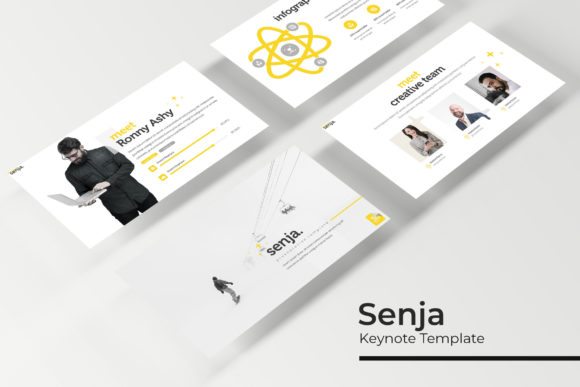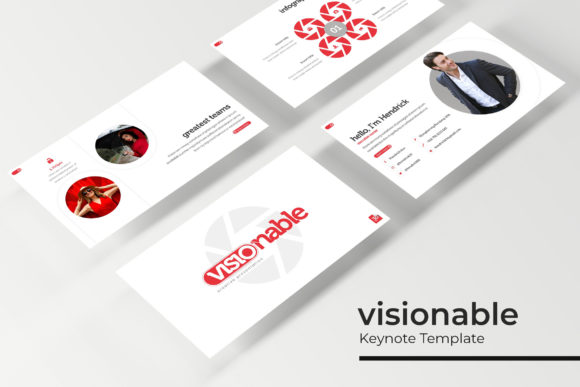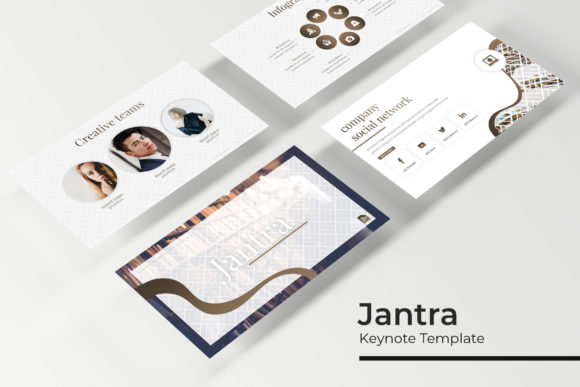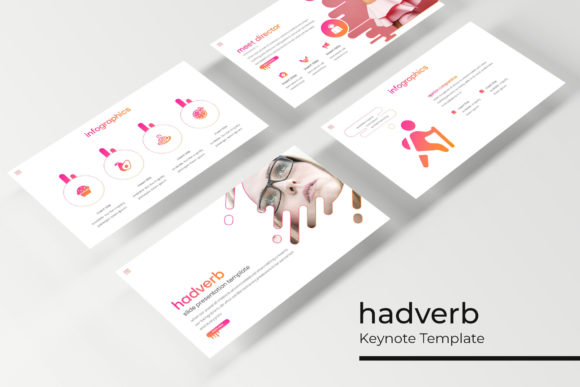
Positively Keynote Template: A Professional's Toolkit for Stunning Presentations
You've got ten minutes to pitch your new service line to a potential partner. Your slides need to look sharp, on-brand, and professional, but you're not a graphic designer. You open your presentation software, stare at the default templates, and feel that familiar frustration creep in. The built-in options are either sterile and corporate or so over-designed they distract from your message. What you need is a middle ground—a polished, visually cohesive foundation that lets your content shine without requiring you to spend hours tweaking layouts. This is precisely the gap the Positively Keynote Template aims to fill.
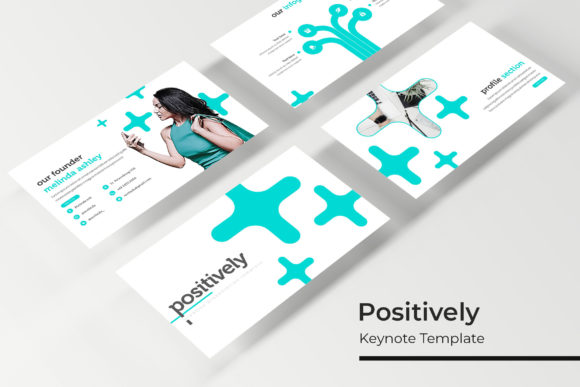
At its core, this is more than just a set of slides; it's a comprehensive design system for your presentations. With over 150 total slides organized into five distinct color schemes, it provides a ready-made visual language. Each of the five premade color palettes offers 30 meticulously crafted slides, giving you immediate variety and consistency. You can choose a scheme that aligns with your existing brand colors or use a different palette for different departments or project types. This structure is a huge time-saver for entrepreneurs and small business owners who wear many hats. Instead of starting from a blank canvas every time, you begin with a professional framework that ensures every presentation you deliver has a unified, intentional look.
Beyond Bullet Points: Slides That Tell a Story
The real value of a template like this lies in its ability to translate complex information into clear, engaging visuals. The inclusion of handcrafted infographics is a standout feature. Instead of forcing data into a basic bar chart, you have access to custom-designed visual metaphors—timeline graphics, process flows, comparison grids, and data visualization layouts that make statistics digestible and memorable. For a marketing professional presenting campaign results or a consultant outlining a strategy, these infographics can transform dry numbers into a compelling narrative.
Equally important are the section break slides and dedicated gallery/portfolio layouts. A well-placed section break slide provides a visual pause, reorients your audience, and gives your presentation a professional rhythm. The portfolio slides are invaluable for designers, photographers, or any creative entrepreneur. They provide a clean, sophisticated way to showcase work samples without the slides looking cluttered. The pixel-perfect illustrations and resizable, editable graphics mean you're not stuck with generic imagery. You can adapt every element to fit your specific content, ensuring the template serves your message, not the other way around.
Practical Applications for the Busy Professional
Think about the last time you needed to create a sales deck for a new client. With the Positively Keynote Template, you could assemble a polished presentation in a fraction of the usual time. Use a clean, modern color scheme for the pitch, leveraging the drag-and-drop picture placeholders to quickly insert product shots or team photos. The master slide system ensures that if you decide to change your accent color halfway through, the update propagates across all 30 slides in that set, maintaining perfect visual consistency.
For internal use, the template is just as powerful. Create standardized training materials for new hires using one color palette, and quarterly business review decks using another. The visual distinction helps employees immediately recognize the type of content they're looking at. Content creators and bloggers can repurpose these slides as the foundation for webinar visuals or YouTube video graphics, ensuring their brand aesthetic extends beyond their website and social media feeds. The included PPTX widescreen files are optimized for modern displays, so your presentations will look crisp whether you're presenting on a laptop or a large conference room screen.
Maximizing Your Investment: Tips for Implementation
Getting the most out of a premium asset like this requires a bit of strategy. First, take the time to review the "Readme First" document. It often contains crucial information about the included fonts and specific instructions for customization. The note about fonts is critical: the template uses free fonts, and the download link is included. Make sure you install these fonts before opening the files to avoid layout issues. This attention to detail separates a professional result from an amateur one.
Next, resist the urge to use all five color schemes in a single presentation. The power of the Positively Keynote Template is its built-in cohesion. Choose one primary color set for your deck and stick with it. Use the variety of slide layouts within that set to create visual interest—mixing a data-driven slide with a full-bleed image slide and a quote slide keeps the audience engaged without looking chaotic. When customizing, remember that the graphics are editable. Change the colors of icons and charts to match your brand's hex codes. Swap out placeholder images with high-quality photos that reflect your actual team, products, or environment. This transforms the template from a generic tool into a true extension of your brand identity.
A Note on Licensing and Final Thoughts
Before you use the Positively Keynote Template for a client project or in materials for sale, it's wise to review the licensing terms included with your purchase. Most premium templates like this are sold with a commercial license that allows for use in multiple projects for a single client or entity, but it's always best to confirm. This due diligence protects you and your clients and is a standard practice in professional design work.
In the end, this template is about removing friction from the design process. It provides a robust, flexible starting point that elevates the professionalism of your presentations. It won't write your content for you, but it will ensure that your content is presented in a way that builds credibility, enhances understanding, and reflects the quality of the work you do. For anyone who regularly communicates ideas visually—from pitching investors to educating customers—having a reliable, versatile toolkit like this isn't a luxury; it's a practical necessity for clear, effective communication.