Mail.me Keynote Template: The All-in-One Presentation Solution
Every professional has been there: staring at a blank slide deck with a looming deadline. You know the content is solid, but the visual execution feels flat. Generic templates look cheap, and custom designs take time you don’t have. If you’ve ever struggled to find that perfect balance between a polished, high-end aesthetic and practical functionality, the Mail.me Keynote Template might be the design asset you didn’t know you needed. It’s more than just a collection of slides; it’s a comprehensive system designed to streamline your workflow while delivering pixel-perfect results.
Beyond the Basics: A System for Visual Consistency
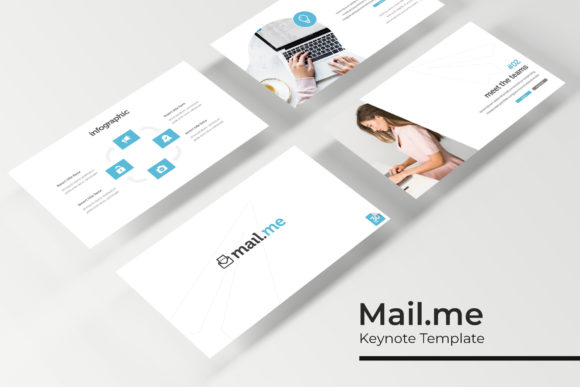
What sets this template apart is its sheer scope and thoughtful organization. With over 150 total slides, it’s built to handle any presentation scenario, from a quick investor pitch to a detailed quarterly report. The structure is intuitive, with 30 carefully curated slides for each of the five premade color variations. This isn’t just about changing a background color; each palette is handcrafted to evoke a different mood and professional tone, allowing you to instantly match the template to your brand identity or the specific context of your presentation.
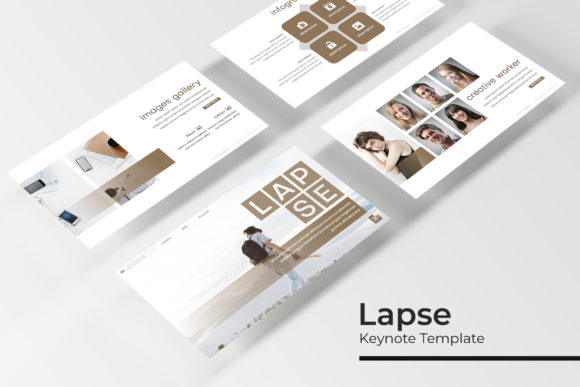
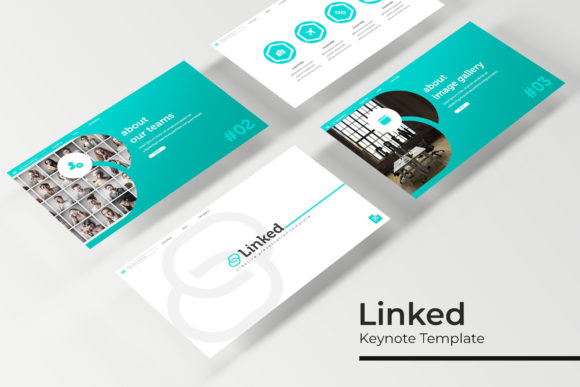
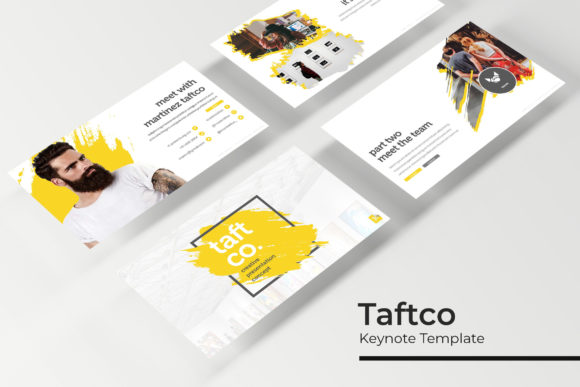
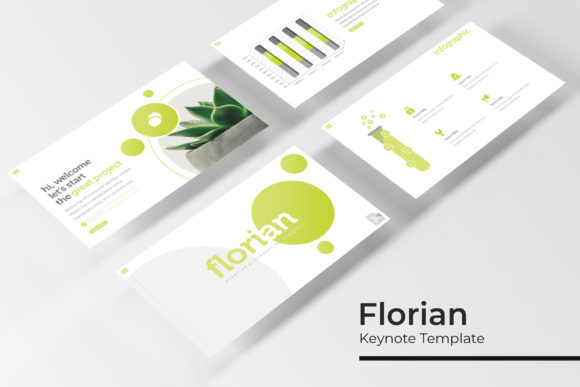
The design philosophy here is rooted in modern typography and clean, editable graphics. The handcrafted infographics are a standout feature, transforming complex data into engaging visual stories. Instead of wasting hours wrestling with clunky chart tools, you simply drag and drop your information into beautifully designed placeholders. The section break slides provide a natural pause in your narrative, helping to guide your audience through the content logically. For creatives and marketers, the gallery and portfolio slides are invaluable. They use picture placeholders that are fully resizable and editable, so you can showcase your work, products, or case studies with professional framing and composition, every single time.
Practical Applications for the Modern Professional
The true value of a design asset lies in its versatility. This template excels because it’s built on a foundation of master slides, a feature that ensures every element—from fonts to alignment—stays consistent across your entire deck. This is crucial for brand recognition. Whether you’re a small business owner building a pitch deck, a content creator outlining a course, or a marketer presenting a campaign strategy, visual consistency builds trust and professionalism.
Let’s talk real-world use. Imagine you’re a freelance designer presenting logo concepts to a client. The gallery slides allow you to display each option in a clean, focused environment, letting the work speak for itself. A craft business owner could use the infographic slides to break down their production process or sales data for a potential retailer. The editable graphics mean you can adapt every element to your specific needs—resize an icon, change a color accent, or swap out a font to better match your brand’s voice. This adaptability makes it a cornerstone for creating:
- Compelling Pitch Decks: Tell your story with clarity and visual impact.
- Dynamic Marketing Reports: Present data in a way that’s easy to understand and remember.
- Professional Client Proposals: Elevate your service offering from the first slide.
- Engaging Training Materials: Keep your team or audience focused and informed.
- Stunning Portfolio Presentations: Showcase your creative work in its best light.
Designed for Efficiency and Creative Control
Time is a non-renewable resource, especially for entrepreneurs and creatives juggling multiple projects. The drag-and-drop functionality, based on a robust master slide system, is a game-changer for efficiency. You’re not starting from scratch; you’re rearranging and customizing pre-designed blocks. This means you can assemble a polished 20-slide presentation in the time it would normally take to design five slides from a blank canvas.
Included with the template are five PPTX files for both standard and widescreen formats, giving you flexibility for different screen environments. The readme file is a thoughtful touch, guiding you through setup, and the included link for the free font used ensures your presentation looks exactly as intended. It’s a complete, self-contained package that respects your time and creative vision.
Maximizing Your Investment: Tips for Integration
To get the most out of a tool like this, think beyond the immediate project. Consider how its design language can inform your broader brand identity. The clean, modern aesthetic of the Mail.me template can serve as a visual benchmark for your other materials. When selecting a color variation, test it against your existing logo and brand colors for harmony. Use the consistent typography and spacing as a guide when designing social media graphics or website banners to create a cohesive look across all touchpoints.
Remember, the template is a starting point. The real magic happens when you infuse it with your unique content and perspective. Use the high-quality placeholder graphics to source compelling imagery that resonates with your message. Don’t just fill in the blanks; curate them. The professional presentation you build with this tool can significantly improve audience engagement, making your ideas more memorable and your brand more credible.
In a landscape where first impressions are often digital, having a reliable, high-quality design asset in your toolkit is not a luxury—it’s a strategic advantage. It empowers you to communicate with clarity, present with confidence, and maintain the visual integrity that defines a strong brand.