Mail.me Google Slide Template: A Fresh Canvas for Your Presentations
You’ve been there. The presentation is due, the content is solid, but the slides themselves feel… generic. They lack that cohesive, professional spark that makes an audience sit up and take notice. It’s not about having more slides; it’s about having the right foundation to build upon. This is where a thoughtfully designed template system changes the game, moving you from a blank canvas to a polished, brand-ready deck in minutes.
Beyond a Single Slide Deck
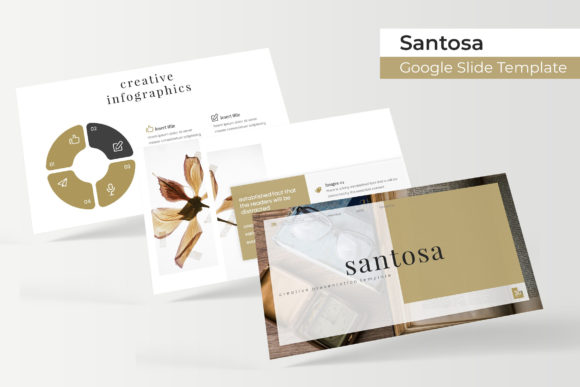
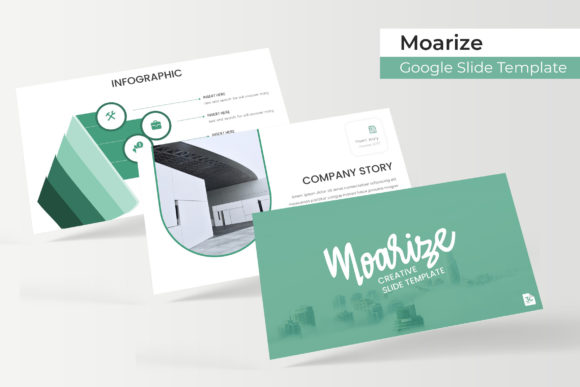
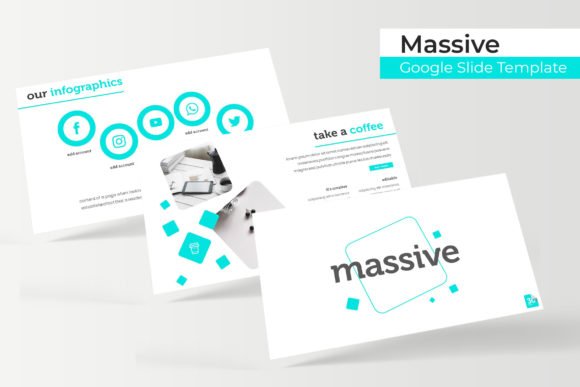
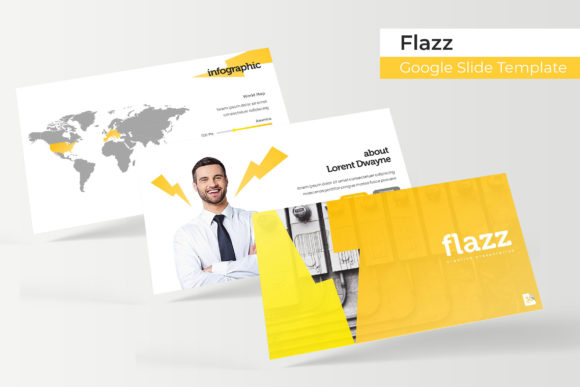
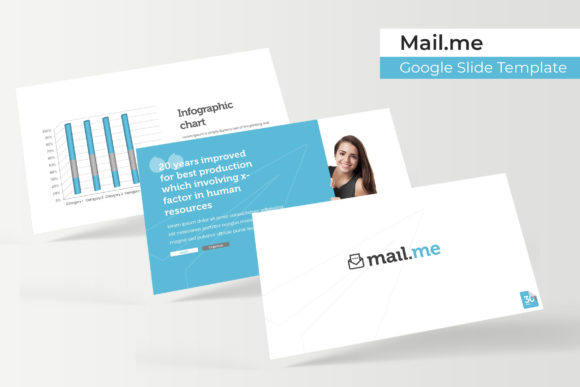
What sets the Mail.me Google Slide Template apart isn't just one beautiful layout. It's the comprehensive ecosystem it provides. Imagine having five distinct, premade color palettes at your fingertips, each containing 30 meticulously crafted slides. That’s 150+ total slides, offering incredible variety without sacrificing visual harmony. Whether you're presenting a quarterly business review, a creative portfolio, or a new product launch, there’s a starting point that already feels intentional and curated.
The true power lies in the consistency. Each color variation is built upon the same design language, ensuring that if you switch from a serene blue theme to a vibrant coral one, the underlying structure, typography placement, and graphic style remain coherent. This is a lifesaver for maintaining brand identity across multiple presentations or for agencies managing different client aesthetics.
Practical Design for Real-World Projects
Let’s talk about utility. This template isn’t just about looking good; it’s about working hard. The inclusion of section break slides is a simple but critical feature for audience navigation and pacing. A well-placed section slide acts as a visual chapter marker, giving your viewers a mental breather and signaling a shift in topic. Similarly, dedicated gallery and portfolio slides are designed with specific grid layouts to showcase visual work—whether that’s photography, design mockups, or case study images—without you needing to wrestle with alignment and spacing.
For marketers and content creators, the handcrafted infographics are a standout feature. Instead of using the same tired bar and pie charts everyone has seen, you can present data through unique, on-brand visualizations. These aren’t generic clip art; they are integrated design elements that help tell your story more compellingly, making complex information digestible and engaging.
Empowering Your Creative Workflow
One of the biggest time sinks in presentation design is asset management. The Mail.me template addresses this head-on with its master slide architecture and pixel-perfect illustrations. Every element is based on master slides, meaning you can make a global change to a font or color in one place and have it ripple through your entire deck. This is non-negotiable for efficiency, especially when last-minute edits arise.
Furthermore, the resizable and editable graphic picture placeholders, with intuitive drag & drop functionality, remove the friction from adding your own content. Need to swap an image? Simply click the placeholder, select your file, and it automatically scales and crops to fit the designed space perfectly. This ensures your images always look sharp and properly framed, maintaining the template's professional polish.
Integrating with Your Brand Toolkit
A presentation template should feel like a natural extension of your broader brand assets. The clean, modern typography and structured layouts within Mail.me are designed to complement other design work. The font pairing choices included are versatile, suitable for everything from corporate reports to creative pitches. When your slide deck shares the same design sensibility as your website, social media graphics, and print materials, it reinforces brand recognition and builds trust with your audience.
Consider how this template can serve multiple functions for a small business or entrepreneur. The same 150+ slides can be repurposed for internal team meetings, investor pitches, client onboarding, and even webinar presentations. The color variations allow you to tailor the mood: a professional grey for board meetings, a energetic green for a new initiative, a warm neutral for a community-focused talk. This adaptability makes it a valuable long-term asset in your design toolkit.
Getting Started and Making It Yours
Upon download, you’ll find five PPTX files (for widescreen format) and a helpful Readme file. The font used is free for commercial use, with a download link provided, so you can install it and ensure your presentation looks exactly as intended from the first click. It’s important to note, as with most template packs, that the preview photographs are for illustration only and are not included—this is standard practice, as you’ll want to insert your own unique visuals.
The key to maximizing this template is to see it as a flexible starting point. Don’t feel constrained by the premade layouts. Use the section breaks to structure your narrative. Leverage the portfolio slides to tell a visual story. Customize the infographics with your own data. Because the foundation is so robust and the editing tools are so intuitive, you can spend less time on technical formatting and more time on refining your message and crafting a compelling presentation that truly resonates.