Stop Building Presentations from Scratch: Why the Massive Google Slide Template is Your New Secret Weapon
You have a brilliant idea, a game-changing proposal, or a quarterly report that needs to land with impact. You open your presentation software, and there it is: the dreaded blank slide. The cursor blinks mockingly. You know you need clean visuals, consistent branding, and a layout that doesn't look like it came from 2005, but the thought of spending the next eight hours dragging text boxes and aligning icons is exhausting. This is the reality for so many entrepreneurs, marketers, and creatives. We spend more time fighting with formatting than we do refining our message. What if you could skip the design grunt work entirely and start with a professional, fully-formed visual system? That’s the promise of the Massive Google Slide Template, a presentation toolkit designed to eliminate the friction between your idea and a polished, persuasive deck.
Beyond the Basic Slide Deck: A Complete Visual Toolkit
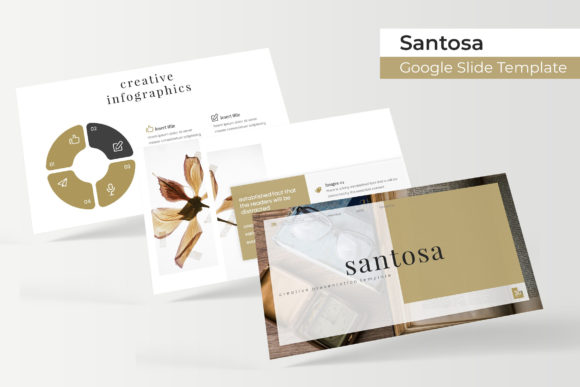
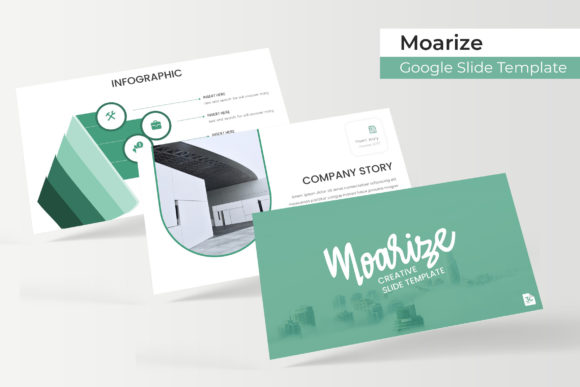
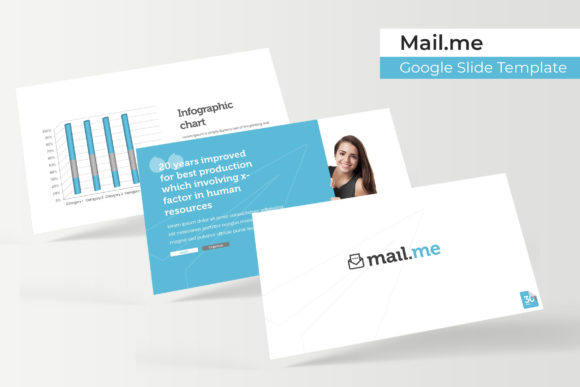
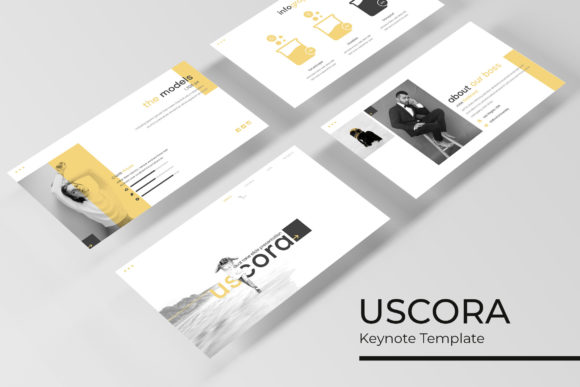
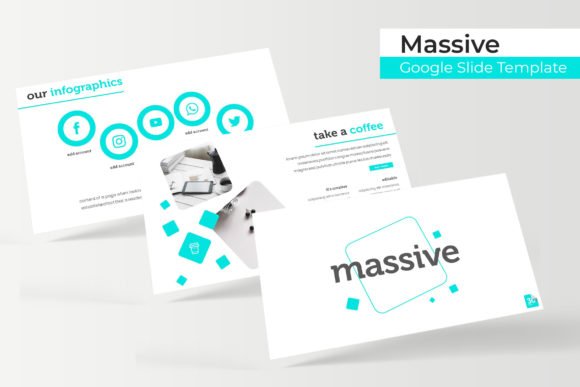
Forget the single-theme templates that lock you into one color scheme. The Massive Google Slide Template is built on a philosophy of flexibility and abundance. At its core, it offers over 150 meticulously crafted slides, but the real power lies in its structure. The package includes five distinct premade color palettes, each containing 30 unique slides. This means you’re not just getting a template; you’re getting five complete presentation systems ready to adapt to different clients, campaigns, or brand identities. One color scheme might be perfect for a corporate investor pitch with its professional blues and grays, while another with vibrant teals and corals could be ideal for a creative portfolio or a social media strategy presentation. This approach saves you from the common pitfall of using a one-size-fits-all design, allowing your presentation’s visual tone to perfectly match its content and audience.
The practical value extends far beyond color. The slides themselves are engineered for real-world use. You’ll find handcrafted infographics that turn complex data into understandable, engaging visuals—think custom process flows, timeline graphics, and comparison charts that are ready for your numbers. Dedicated section break slides help you organize your narrative with clarity, guiding your audience through your story. For designers, photographers, or agencies, the gallery and portfolio slides are a game-changer, providing elegant, grid-based layouts to showcase work without wrestling with image placement. Every graphic element, from icons to placeholder shapes, is resizable and editable. They’re built on master slides, so changes propagate seamlessly throughout the entire deck. The picture placeholders are drag-and-drop simple, and the pixel-perfect illustrations ensure every visual element is crisp and professional, whether you’re presenting on a projector or sharing as a PDF.
Practical Applications: From Boardroom to Social Feed
The true test of any design asset is how it performs in the field. The versatility of this template suite makes it a workhorse for a staggering range of projects. For a small business owner, it’s the foundation for a consistent brand identity across all communications. Use the same color scheme from your investor deck to create matching social media graphics for a product launch, ensuring visual recognition. The clean, modern typography and structured layouts immediately elevate the professionalism of any proposal or internal report.
Content creators and marketers will find it indispensable for repurposing content. Turn a key slide from a webinar into an Instagram carousel, or transform the data from an infographic into a series of engaging Twitter/X posts. The template’s design ensures that each piece feels cohesive with your overarching brand. Imagine presenting a marketing strategy to a client using one of the sleek, data-friendly themes, and then using another theme from the same pack to present a creative portfolio to a different prospect. The consistency in quality, but the flexibility in style, allows you to tailor your presentation to each audience without starting from zero.
Even for personal projects, the applications are broad. Planning a wedding? Create a stunning visual timeline of your story or a beautifully organized registry list. Organizing a community event? Use the infographics to break down the schedule and the gallery slides to highlight past successes. The template removes the design barrier, allowing anyone to communicate their ideas with visual sophistication.
Making It Yours: A Practical Guide to Customization
Getting started is designed to be intuitive. After downloading the package, which includes five PPTX files (one for each color theme in widescreen format), you’ll want to first consult the included readme file. This is a crucial step many skip. It contains the names of the free fonts used, along with direct download links. Installing these fonts beforehand ensures your presentation looks exactly as intended from the moment you open it. While the template uses popular, free commercial fonts, this step guarantees typographic consistency.
The customization process is where your brand takes over. The color palettes are a starting point. Use the master slide view to change the primary and accent colors to match your exact brand hex codes. Swapping out images is as simple as dragging your high-resolution photos into the pre-formatted placeholders. The editable graphics mean you can adjust the weight of an icon line, change the color of a chart segment, or resize a diagram to fit your specific data. Because everything is built on master slides, this work is efficient; a single change to a master element updates it across dozens of slides.
A word on the included content: as noted in the package details, the preview photographs are for illustration only and are not included. This is standard for premium templates and is actually a benefit. It encourages you to use your own authentic imagery—your team, your products, your workspace—which builds far more trust and connection with your audience than generic stock photos ever could. The template provides the professional framework; you provide the authentic content that makes it uniquely yours.
The Bottom Line: Efficiency Meets Professional Polish
In a world where attention is scarce and first impressions are digital, the quality of your visual communication is non-negotiable. The Massive Google Slide Template is more than just a collection of pretty slides; it’s a strategic asset. It solves the core problems of time, consistency, and professionalism. By providing a robust, flexible, and beautifully designed foundation, it allows you to focus on what truly matters: crafting a compelling message, building a recognizable brand, and engaging your audience with clarity and confidence. It’s the difference between presenting a set of slides and delivering a visual experience that resonates.